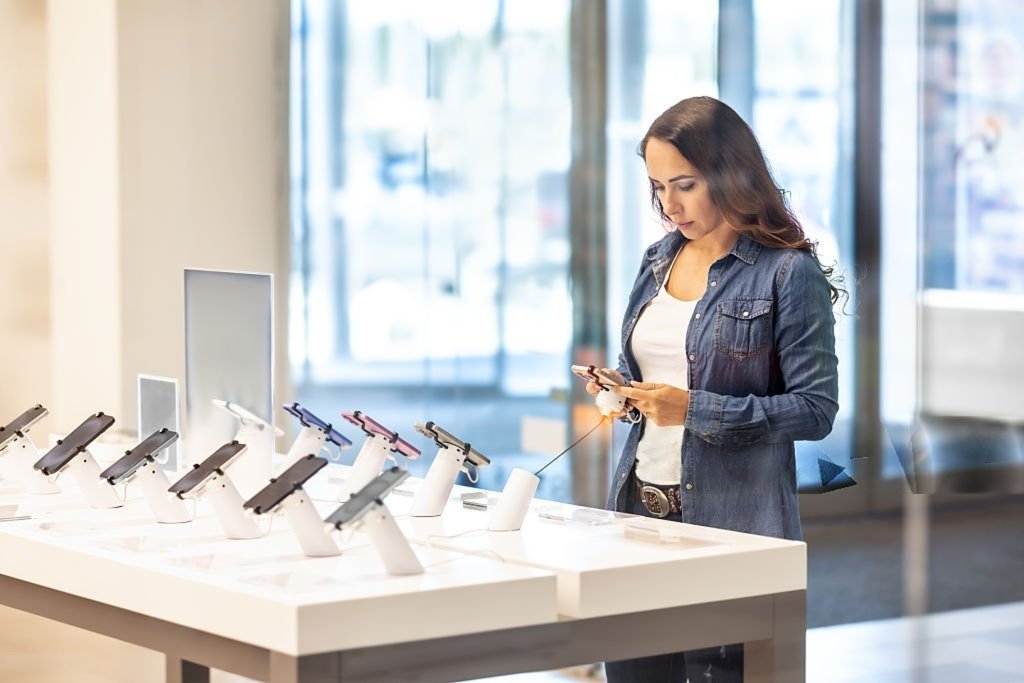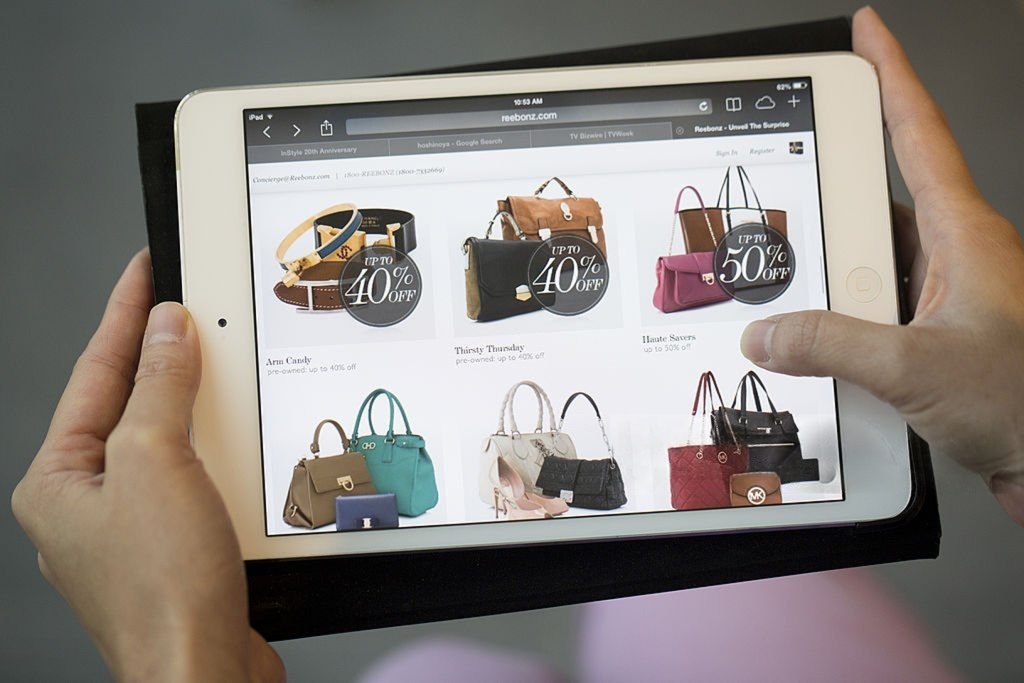
Online shopping has transformed the way we buy everything from electronics and fashion to beauty products, home essentials, and gifts. With just a few clicks, shoppers can compare prices, read reviews, and have products delivered directly to their doorstep.
While online shopping offers unmatched convenience, it also comes with certain risks. Fake websites, phishing emails, counterfeit products, and online scams continue to evolve, making it more important than ever to shop wisely.
The good news is that safe online shopping doesn’t require advanced technical knowledge. By following a few practical habits, you can significantly reduce risks and enjoy a secure shopping experience every time.
In this guide, we’ll cover the most important online shopping safety tips every smart shopper should know.
Why Online Shopping Safety Matters
Protecting your personal and financial information is essential whenever you shop online.
Safe shopping practices help you:
- Protect sensitive personal information
- Reduce the risk of identity theft
- Avoid fraudulent websites
- Prevent unauthorized transactions
- Receive genuine products
- Shop with greater confidence
- Save time and money
- Enjoy a more secure shopping experience
Being informed is your first line of defense.
Shop with Trusted Online Stores
One of the simplest ways to stay safe is to buy from reputable retailers with a proven track record.
Before placing an order:
- Learn about the business.
- Read customer reviews from multiple sources.
- Check that contact information is available.
- Review shipping, return, and refund policies.
- Look for clear customer support options.
Established stores are typically more transparent about how they operate.
Check for a Secure Website
Before entering personal or payment information, make sure the website uses a secure connection.
Look for:
- HTTPS at the beginning of the website address.
- A padlock icon in your browser’s address bar.
- A valid security certificate.
A secure connection encrypts data transmitted between your browser and the website.
Tip: A secure connection is important, but it doesn’t guarantee that a website is trustworthy. Always evaluate the overall credibility of the store.
Create Strong, Unique Passwords
If you create shopping accounts, use passwords that are:
- Long and unique
- Difficult to guess
- Different from passwords used on other websites
A strong password may include:
- Uppercase letters
- Lowercase letters
- Numbers
- Special characters
Using a password manager can help you generate and store unique passwords securely.
Enable Two-Factor Authentication (2FA)
Whenever available, activate two-factor authentication on your shopping accounts.
With 2FA enabled, signing in requires both:
- Your password
- A second verification step, such as a one-time code or authentication app
This adds an extra layer of protection if your password is ever compromised.
Avoid Public Wi-Fi for Payments
Public Wi-Fi networks in cafés, airports, hotels, or shopping centers are convenient but may not be secure.
If you’re making a purchase:
- Use your mobile data connection when possible.
- Use a trusted VPN if you must use public Wi-Fi.
- Avoid entering payment information on unsecured networks.
A secure connection reduces the risk of your data being intercepted.
Read Product Descriptions Carefully
Before buying, take time to review the product details.
Check:
- Product specifications
- Dimensions
- Materials
- Included accessories
- Compatibility
- Warranty information
- Care instructions, if applicable
Reading descriptions carefully helps reduce misunderstandings and unnecessary returns.
Compare Prices Wisely
Everyone loves a great deal—but prices that seem too good to be true deserve extra scrutiny.
Before purchasing:
- Compare prices across reputable retailers.
- Check whether discounts are reasonable.
- Verify that the product description matches the advertised price.
Extremely low prices can sometimes indicate counterfeit, damaged, or misrepresented products.
Read Customer Reviews
Customer reviews often provide valuable insight into:
- Product quality
- Durability
- Ease of use
- Sizing
- Shipping experience
- Customer service
When reading reviews:
- Look for balanced feedback.
- Read both positive and critical comments.
- Focus on detailed reviews rather than short, generic statements.
Remember that reviews represent individual experiences and should be considered alongside other information.
Understand Return and Refund Policies
Before placing an order, familiarize yourself with the retailer’s policies.
Check:
- Return eligibility
- Return timeframes
- Refund process
- Exchange options
- Return shipping responsibilities
Knowing the policy in advance helps you shop with greater confidence.
Protect Your Payment Information
Whenever possible, use secure payment methods that offer buyer protections.
Good practices include:
- Avoid sharing payment information by email or messaging apps.
- Save payment details only on trusted devices if you’re comfortable doing so.
- Monitor your payment accounts regularly for unauthorized activity.
Protecting your financial information is one of the most important aspects of online shopping.
Watch Out for Phishing Scams
Phishing attempts are designed to trick shoppers into revealing personal information.
Be cautious if you receive unexpected emails or messages that:
- Claim there’s an urgent problem with your account
- Ask you to verify payment information
- Request passwords
- Contain suspicious links or attachments
Instead of clicking links, visit the retailer’s website directly by typing the address into your browser.
Keep Your Devices Updated
Regular software updates help protect against known security vulnerabilities.
Update:
- Smartphones
- Tablets
- Laptops
- Browsers
- Security software
Current software provides improved security features and better protection.
Track Your Orders
After making a purchase:
- Save your confirmation email.
- Keep your order number.
- Monitor shipping updates.
- Review delivery notifications.
Tracking your order helps you know when to expect delivery and identify potential issues promptly.
Beware of Counterfeit Products
Counterfeit items can vary in quality and may not perform as expected.
To reduce the risk:
- Buy from reputable retailers.
- Read product descriptions carefully.
- Compare images and specifications.
- Check for warranty information where applicable.
Authentic products often provide better quality, reliability, and customer support.
Protect Your Personal Information
Only provide the information necessary to complete your purchase.
Be cautious about sharing:
- Unnecessary identification details
- Sensitive financial information outside secure payment processes
- Passwords
- Verification codes
Legitimate retailers will not ask for your account passwords.
Use Trusted Delivery Addresses
If possible:
- Ship orders to secure locations.
- Ensure someone can receive valuable packages.
- Consider workplace delivery if appropriate.
- Follow package tracking updates.
Secure delivery reduces the risk of lost or stolen packages.
Review Your Purchase History
Regularly reviewing your shopping activity helps you identify:
- Unauthorized purchases
- Duplicate transactions
- Incorrect charges
- Subscription renewals
Promptly reporting issues improves the chances of resolving them efficiently.
Smart Shopping Habits Save Money Too
Safe shopping isn’t only about security—it also helps you become a more informed consumer.
Develop habits such as:
- Planning purchases
- Comparing products
- Reading specifications
- Checking warranties
- Buying quality products
- Avoiding impulse purchases
These habits can lead to better long-term value and greater satisfaction.
Common Online Shopping Mistakes to Avoid
Avoid these common mistakes:
- Shopping on unfamiliar websites without researching them
- Reusing the same password across multiple accounts
- Ignoring website security indicators
- Buying solely based on price
- Skipping product descriptions
- Overlooking return policies
- Clicking suspicious links in unsolicited emails or messages
- Forgetting to monitor order confirmations and payment statements
Awareness helps you make safer purchasing decisions.
Why Shop with Mazsapel Luxmart Store?
At Mazsapel Luxmart Store, we are committed to providing a secure, convenient, and enjoyable shopping experience.
Our store offers carefully selected products across categories including:
- Consumer Electronics
- Beauty & Health
- Jewelry & Watches
- Men’s Clothing
- Women’s Clothing
- Bags & Shoes
- Home & Living
- Home Improvement
- Phones & Accessories
- Computer & Office
- Garden & Furniture
We focus on offering quality products, clear product information, responsive customer support, and a seamless shopping experience so you can shop with confidence.
Final Thoughts
Shopping online has never been more convenient, but staying informed is essential to making safe purchasing decisions. By choosing reputable retailers, protecting your accounts, verifying website security, reading product information carefully, and remaining alert to scams, you can significantly reduce risks while enjoying the benefits of e-commerce.
Remember that safe online shopping is built on good habits rather than complicated technology. A few extra moments spent checking a website, reviewing product details, or confirming payment security can save time, money, and frustration in the future.
Whether you’re purchasing electronics, fashion, beauty products, home essentials, or gifts, informed decisions help ensure a smoother and more satisfying shopping experience.
Frequently Asked Questions (FAQs)
How can I tell if an online store is trustworthy?
Look for clear contact information, transparent policies, secure website connections (HTTPS), detailed product information, and customer reviews from reliable sources.
Is HTTPS enough to know a website is safe?
HTTPS indicates that the connection between your browser and the website is encrypted, but it does not guarantee that the business itself is legitimate. Consider other trust factors as well.
Should I save my payment information on shopping websites?
Saving payment information is a personal choice. If you do, use only trusted retailers, secure devices, and strong account security measures such as two-factor authentication.
What should I do if I receive a suspicious shopping email?
Avoid clicking links or downloading attachments. Instead, visit the retailer’s official website directly through your browser to verify any account notifications.
Why is reading product descriptions important?
Product descriptions provide essential information about specifications, compatibility, dimensions, materials, and included items, helping you make informed purchasing decisions and reducing the likelihood of returns.